
CutGPT vs CutAI
 CutGPTChecked
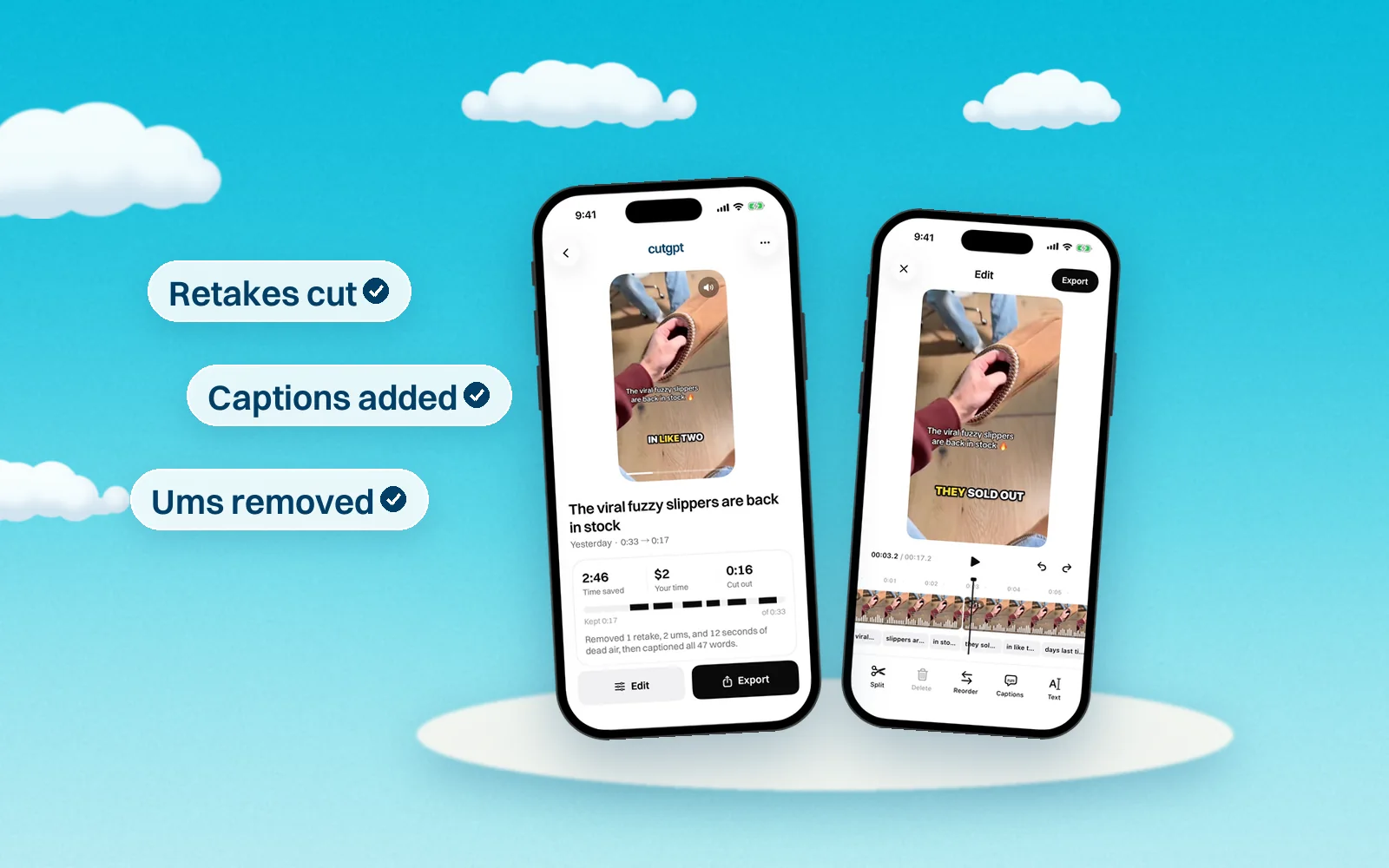
CutAI is an iPhone app from CutAI LLC that edits your raw footage with AI after you upload it, cutting dead space, retakes and filler words, then opens the cut on a timeline. It suits creators who edit only on an iPhone and want timeline tools, overlap audio, scheduled batch edits and 4K exports on top of the automatic cut.
CutGPT vs CutAI at a glance
The CutAI column comes from CutAI's own pages as they stood on October 14, 2026. Where something isn't stated there, we say so.
| Feature | CutGPT | CutAI |
|---|---|---|
| Made for | Talking-head videos for creators who sell on TikTok Shop and other short-form apps. | UGC creators, product videos and anyone who talks to the camera. |
| Platforms | A web app for desktop browsers (a recent Chrome or Edge is recommended; Safari needs version 26 or later) and an iPhone app. Edits don't sync between them. | iPhone only, with iOS 17 or later. Its website handles sign-up and billing. |
| Removes retakes automatically | Yes. If you say a line again within the next few phrases, CutGPT keeps the last take. Say “wait” or “let me start over”, and it cuts that and the attempt before it. | Yes. CutAI says it cuts retakes and the fumbles between takes. |
| Removes ums and pauses | Yes. It cuts fillers like um, uh, erm and hmm, and trims longer silences down to a breath. Choose a Snappy or Natural cut pace. | Yes. It cuts filler words and dead space. |
| Auto captions | Yes, in four styles: Pop, Karaoke, Boxed and Minimal. Up to 3 words per caption; you can move, resize and fix any word. | Yes. You can edit their wording and style, drag and resize them, and trim them on the timeline. |
| Where editing happens | Web: in your browser, on your computer. Your video is never uploaded. iPhone: transcribed on your iPhone with Apple's on-device speech recognition (Apple's servers only as a fallback), and edits stay on the phone. | You upload your footage, and CutAI and its AI providers process it to make the edit. Its privacy policy names Anthropic and Deepgram. |
| Manual editing | Web: a transcript editor and a timeline with a waveform. Click a word to cut it or bring it back, double-click to fix its caption, split, trim, delete and reorder clips, and undo any change. | A timeline: trim, split, delete and reorder clips, with text, photo and video layers, voiceover, color filters and speed. |
| Export | Web: MP4 at 720p, 1080p or original resolution (never upscaled), with captions burned in or off. iPhone: finished edits save to Photos. | Up to 4K, with no watermark. Each video can be up to 15 minutes and 1 GB. |
| Free plan | 3 edits, no card. On the web, free edits are counted per browser. | None. Each plan has a 3-day free trial, one per account, and you add a card to start it. |
| Price | Web Pro is coming soon: $1 for 3 days, then $49.99/month, or $99.99/year (83% off a year of monthly). iPhone Pro is billed by Apple after a 3-day free trial. | Starter $19.99/month, Pro $49.99/month, Ultimate $89.99/month (USD). Yearly: $159.99, $399.99 and $719.99. |
What they cost
As of October 14, 2026, CutAI lists Starter at $19.99/month or $159.99/year (100 AI edits a month), Pro at $49.99/month or $399.99/year (300 AI edits a month) and Ultimate at $89.99/month or $719.99/year (unlimited AI edits), in USD. Every plan starts with a 3-day free trial that needs a card, and there's no free plan.
CutGPT: 3 edits free. Pro starts at $1 for 3 days, then $49.99/month, or $99.99/year paid yearly. In the iPhone app, Pro is billed by Apple.
Which one should you use?
CutGPT and CutAI do the same core job. You film one take with your mistakes in it, and the app cuts the retakes, filler words and dead space for you. They differ in where the edit happens, how you start paying, and how much editing you get after the cut.
- Choose CutGPT if you want to edit on a computer without uploading your video, want to try it with 3 free edits and no card, or want to check a list of every cut and why it was made before you export.
- Choose CutAI if you work only on your iPhone and want more after the cut: a timeline with layers, color and speed, overlap audio that carries your voice across each cut, scheduled batches of up to 10 videos, or 4K exports.
CutAI's overlap audio and scheduled batch edits come with its Pro and Ultimate plans, not Starter.
How we keep this fair
We make CutGPT, so we've held this page to one rule: every claim about CutAI comes from CutAI's own site or a recent, named source, listed below. We don't quote reviews or guess at features. Products change often — if something here is out of date, email support@example.com and we'll fix it.
Questions
Sources
Try CutGPT on your own take
Your first edits are free, right in your browser. Nothing is uploaded.