
CutGPT vs Descript
 CutGPTChecked
Descript is a video and audio editor for Mac, Windows and the web where you edit by editing a transcript, with an AI co-editor called Underlord. It suits creators and teams who edit long recordings, interviews or podcasts by text, work in languages besides English, or want tools like Studio Sound, Eye Contact and dubbing.
CutGPT vs Descript at a glance
The Descript column comes from Descript's own pages as they stood on October 14, 2026. Where something isn't stated there, we say so.
| Feature | CutGPT | Descript |
|---|---|---|
| Made for | Talking-head videos for creators who sell on TikTok Shop and other short-form apps. | Editing video and audio by editing the transcript, for creators and teams. |
| Platforms | A web app for desktop browsers (a recent Chrome or Edge is recommended; Safari needs version 26 or later) and an iPhone app. Edits don't sync between them. | Mac and Windows apps, plus a browser version for Chromium browsers such as Chrome and Edge. Descript says it isn't designed for small phone screens or tablets. |
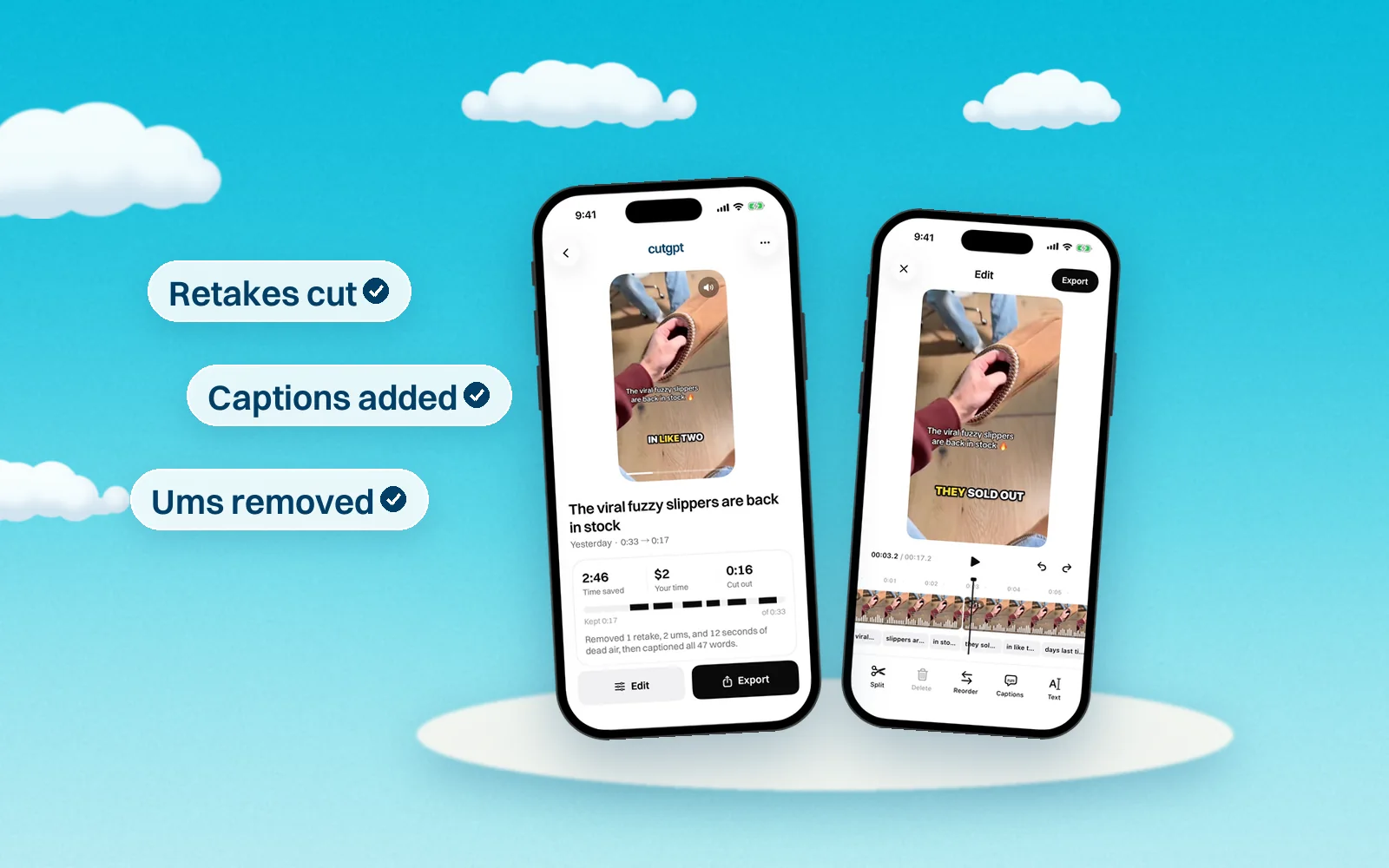
| Removes retakes automatically | Yes. If you say a line again within the next few phrases, CutGPT keeps the last take. Say “wait” or “let me start over”, and it cuts that and the attempt before it. | Yes. Remove Retakes finds repeated takes and removes the bad ones in one click. Limited on the Free plan. |
| Removes ums and pauses | Yes. It cuts fillers like um, uh, erm and hmm, and trims longer silences down to a breath. Choose a Snappy or Natural cut pace. | Yes. Remove Filler Words cuts “um”, “ah”, “like” and repeated words, and Shorten Word Gaps trims silences. Limited on Free. |
| Auto captions | Yes, in four styles: Pop, Karaoke, Boxed and Minimal. Up to 3 words per caption; you can move, resize and fix any word. | Yes. Animated captions in stock styles, or set your own font, colors, word highlighting and position. |
| Manual editing | Web: a transcript editor and a timeline with a waveform. Click a word to cut it or bring it back, double-click to fix its caption, split, trim, delete and reorder clips, and undo any change. | Edit the video by editing its transcript like a doc, with layers, animation, transitions and custom fonts. |
| Languages | English speech only on the web for now. | Transcription in 25 languages, caption translation into 61 and dubbing into 30. |
| Where editing happens | Web: in your browser, on your computer. Your video is never uploaded. iPhone: transcribed on your iPhone with Apple's on-device speech recognition (Apple's servers only as a fallback), and edits stay on the phone. | In its desktop app or browser, with your media uploaded to Descript's cloud: 5 GB of storage on Free, up to 2 TB on Business. |
| Free plan | 3 edits, no card. On the web, free edits are counted per browser. | 60 media minutes a month, 100 AI credits once, and 720p exports with a watermark. |
| Price | Web Pro is coming soon: $1 for 3 days, then $49.99/month, or $99.99/year (83% off a year of monthly). iPhone Pro is billed by Apple after a 3-day free trial. | Hobbyist: $16/month billed annually, or $24 month to month (USD). |
What they cost
As of October 14, 2026, Descript lists Free ($0), Hobbyist at $16/month billed annually or $24 month to month, Creator at $24 or $35, and Business at $50 or $65, per person, in USD. Enterprise pricing is custom.
CutGPT: 3 edits free. Pro starts at $1 for 3 days, then $49.99/month, or $99.99/year paid yearly. In the iPhone app, Pro is billed by Apple.
Which one should you use?
Both let you edit by transcript, but they start in different places. CutGPT makes the whole cut for you first, then lets you fix it word by word. Descript is a full editor where you run tools like Remove Retakes, Remove Filler Words and Underlord as you need them.
- Choose CutGPT if you film short talking videos in English and want them cut and captioned in one pass, in your browser, without uploading your video.
- Choose Descript if you edit long recordings, interviews or podcasts, work with a team, need languages besides English, or want Studio Sound, Eye Contact, translation or dubbing.
How we keep this fair
We make CutGPT, so we've held this page to one rule: every claim about Descript comes from Descript's own site or a recent, named source, listed below. We don't quote reviews or guess at features. Products change often — if something here is out of date, email support@example.com and we'll fix it.
Questions
Sources
Try CutGPT on your own take
Your first edits are free, right in your browser. Nothing is uploaded.