



The CutGPT blog
How to film, cut and caption talking videos that sell.
Start here · Guide · 4 min read
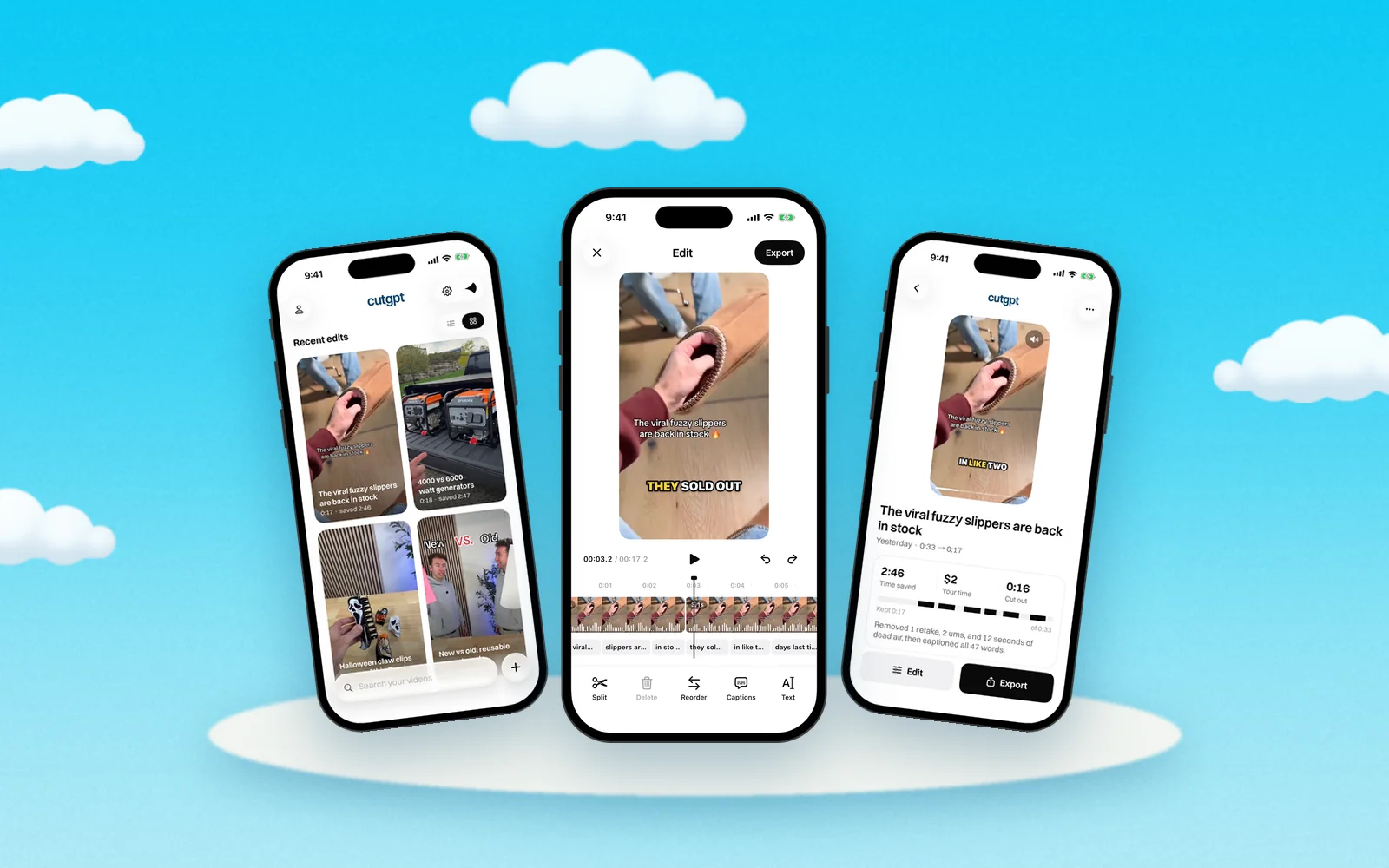
How CutGPT edits your video, step by step
What happens to your take between import and export: the transcript, each kind of cut, the captions, and what you can still change before you post.
Read the guide
How to cut retakes from a talking-head video
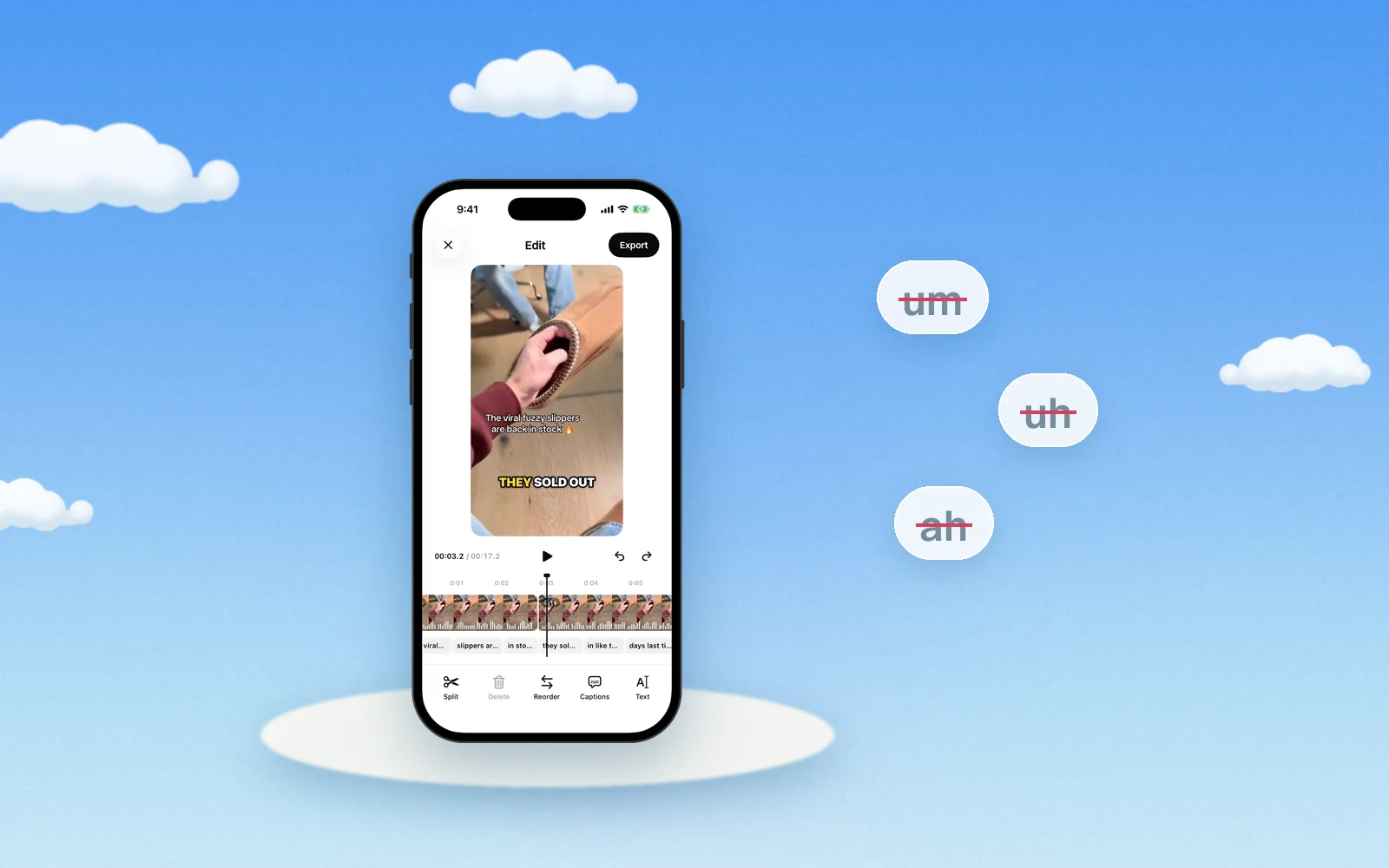
How to remove ums and uhs from a video
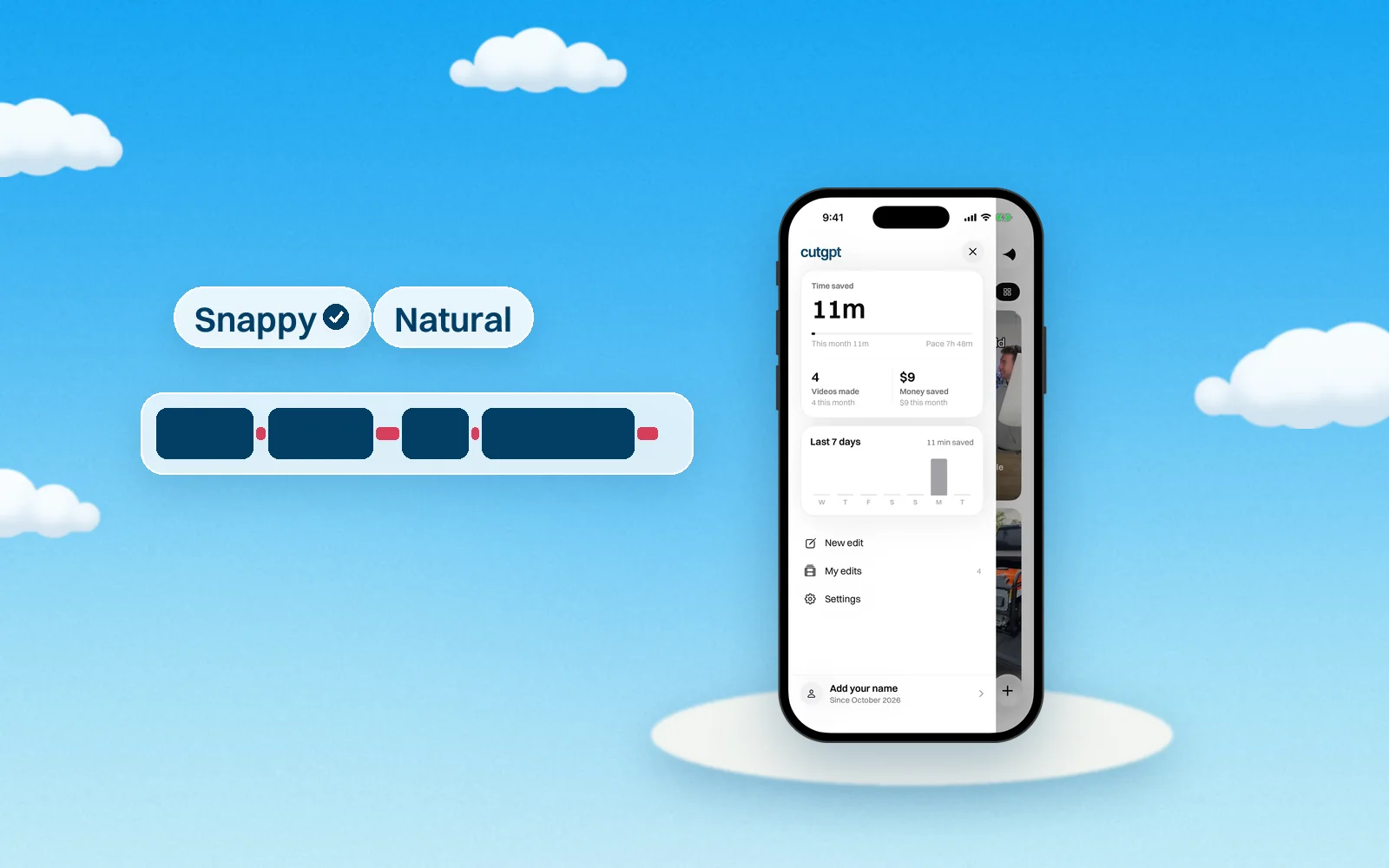
Jump cuts: how tight should you cut?
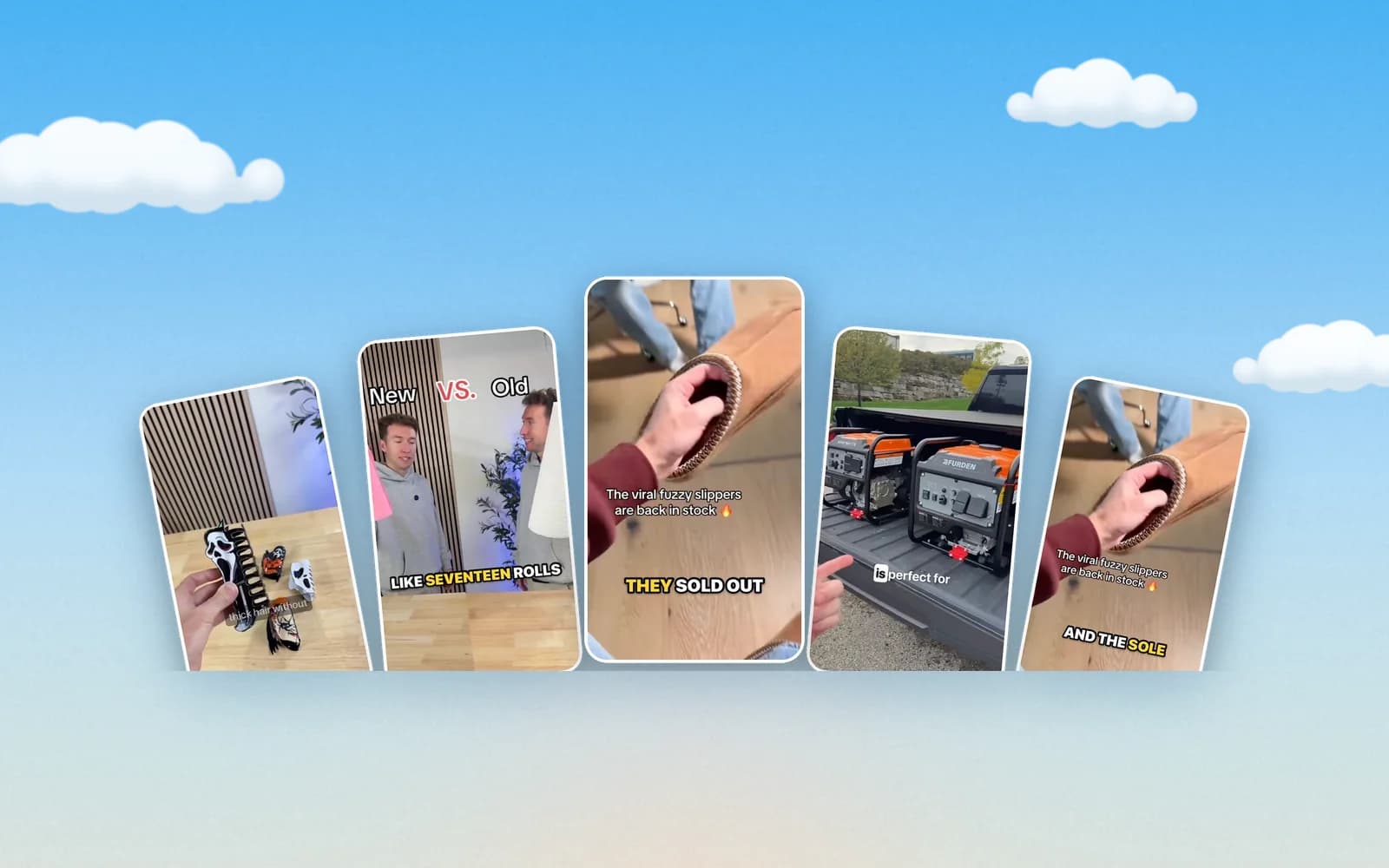
Caption styles for TikTok: which one to use
Filming and the web app
Get a better take on camera, and see how CutGPT edits without uploading anything.
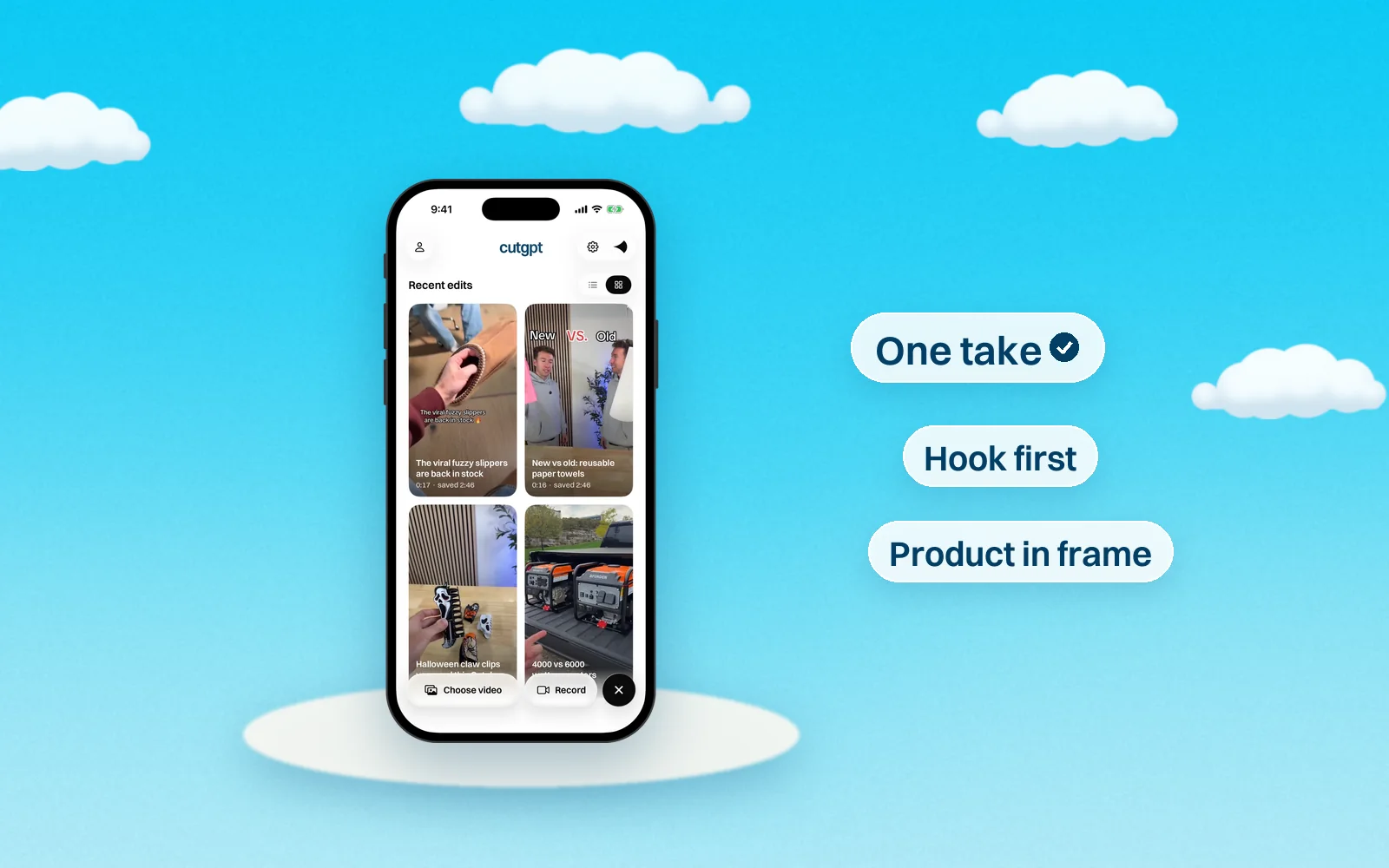
How to film a product video in one take
A simple way to film a TikTok Shop-style product video on your phone: plan a few lines, keep rolling through mistakes, and let CutGPT cut the take.
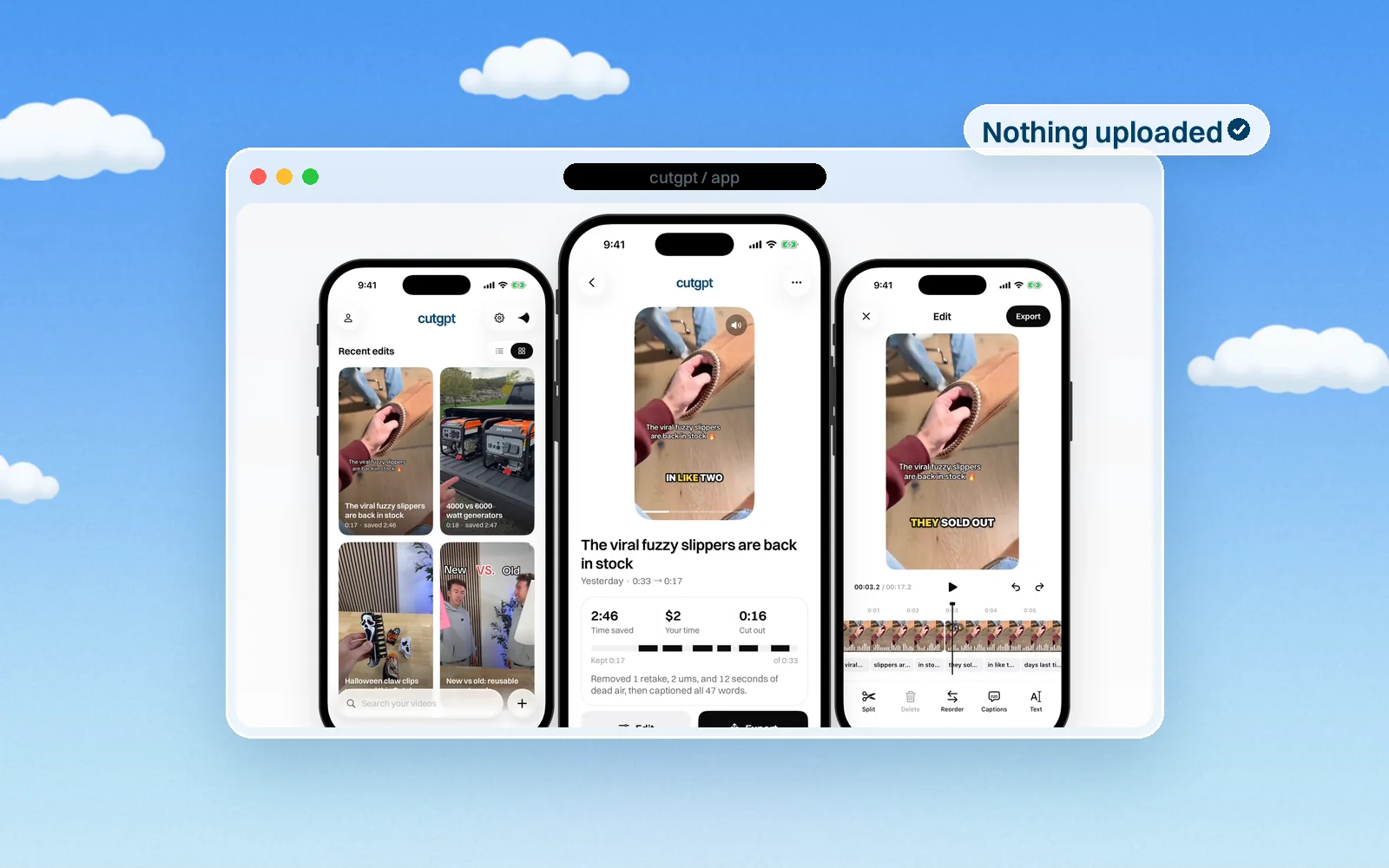
Edit videos in your browser without uploading
The CutGPT web app transcribes, cuts and exports your video on your own computer. Here's how that works, which browsers work best, and the trade-offs.
Popular help articles
Questions
Didn't find your answer?
Try CutGPT on your own video — your first 3 edits are free.
Start editing free