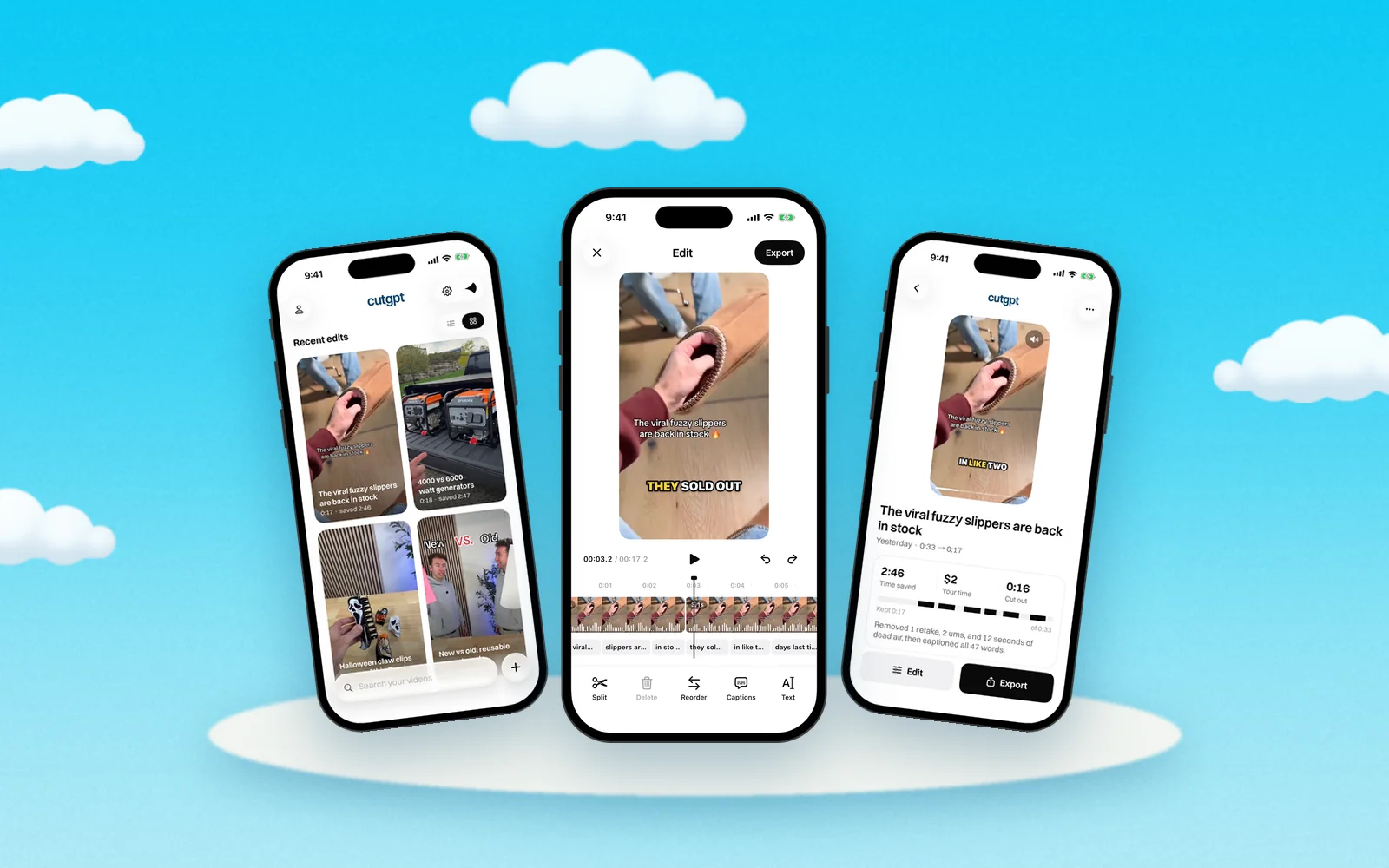
How to film a product video in one take
 CutGPTPublished · 3 min read
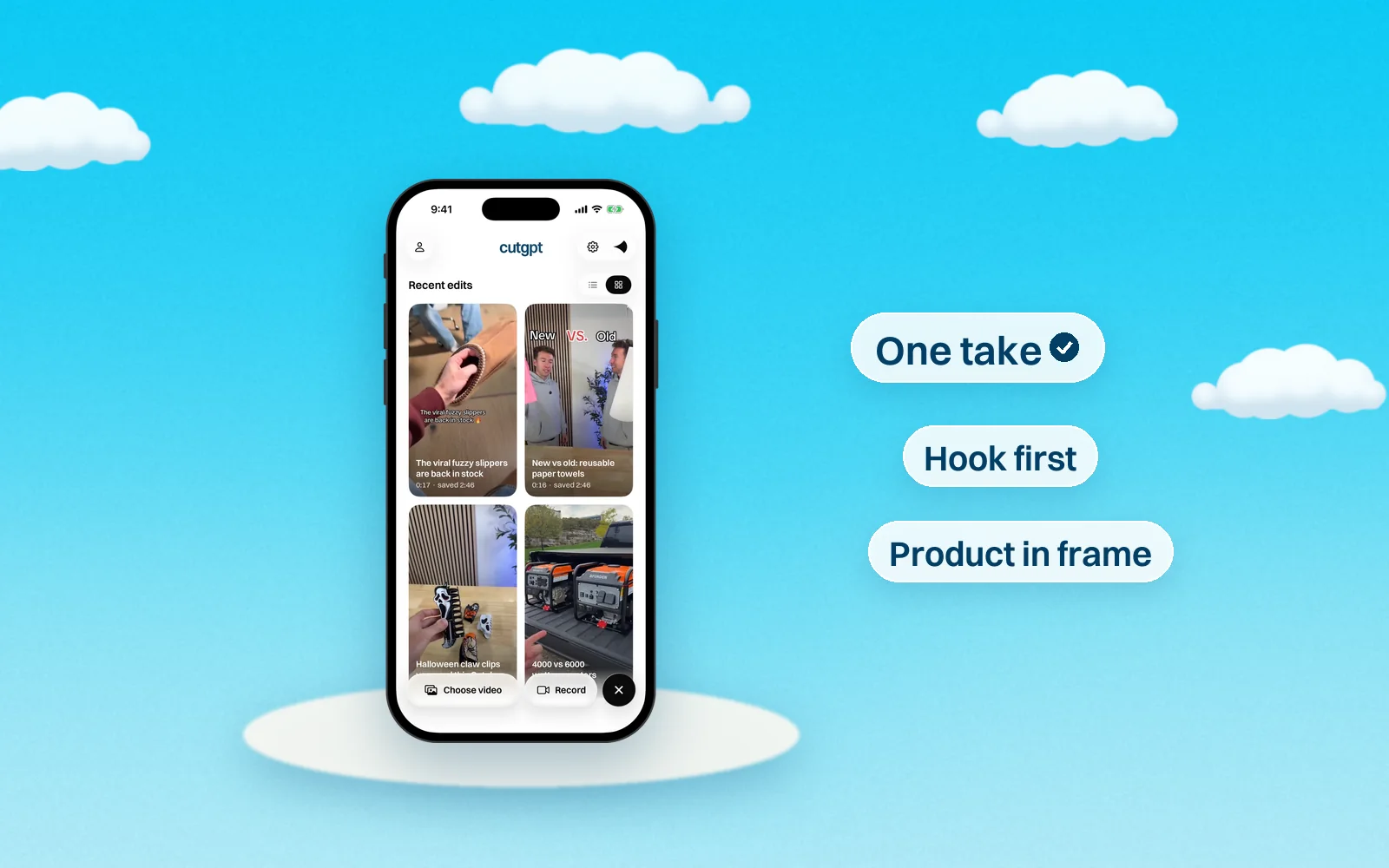
A simple way to film a TikTok Shop-style product video on your phone: plan a few lines, keep rolling through mistakes, and let CutGPT cut the take.
You don't need a script, a crew or a stack of clips to make a product video. One continuous take on your phone is enough. Talk to the camera, show the product, and when you fumble a line, say it again. CutGPT keeps the last take and cuts the rest.
Plan three to five lines
Before you hit record, jot down three to five short lines. Not a full script, just the beats you want to hit. A simple order:
- The hook. The problem it solves, the result, or the most surprising thing about it.
- What it is. Name the product and show it.
- Why you like it. One or two specific details. Show them as you say them.
- Who it's for. Help the right viewer picture themselves using it.
- What to do next. Tell people where to get it.
Keep each line short enough to say in one breath. Short lines are easier to remember and easier to redo.
Lead with the hook
Your first line has to stop the scroll. Skip the warm-up, like “Hey guys, so today I want to show you…”, and open with the most interesting thing you can say about the product.
Say the hook a few times if you need to. As long as it's the same line, CutGPT keeps your last try.
Keep the product in frame
- Hold it at chest height, close to your face, so you and the product both fit in a vertical frame.
- Hold it still for a second when you name it.
- Turn it slowly to show details. Keep the label facing the camera, and tilt it away from glare.
- Keep talking while you show it. CutGPT trims long silences down to a breath, so a silent demo gets cut short.
Fumble? Say the line again
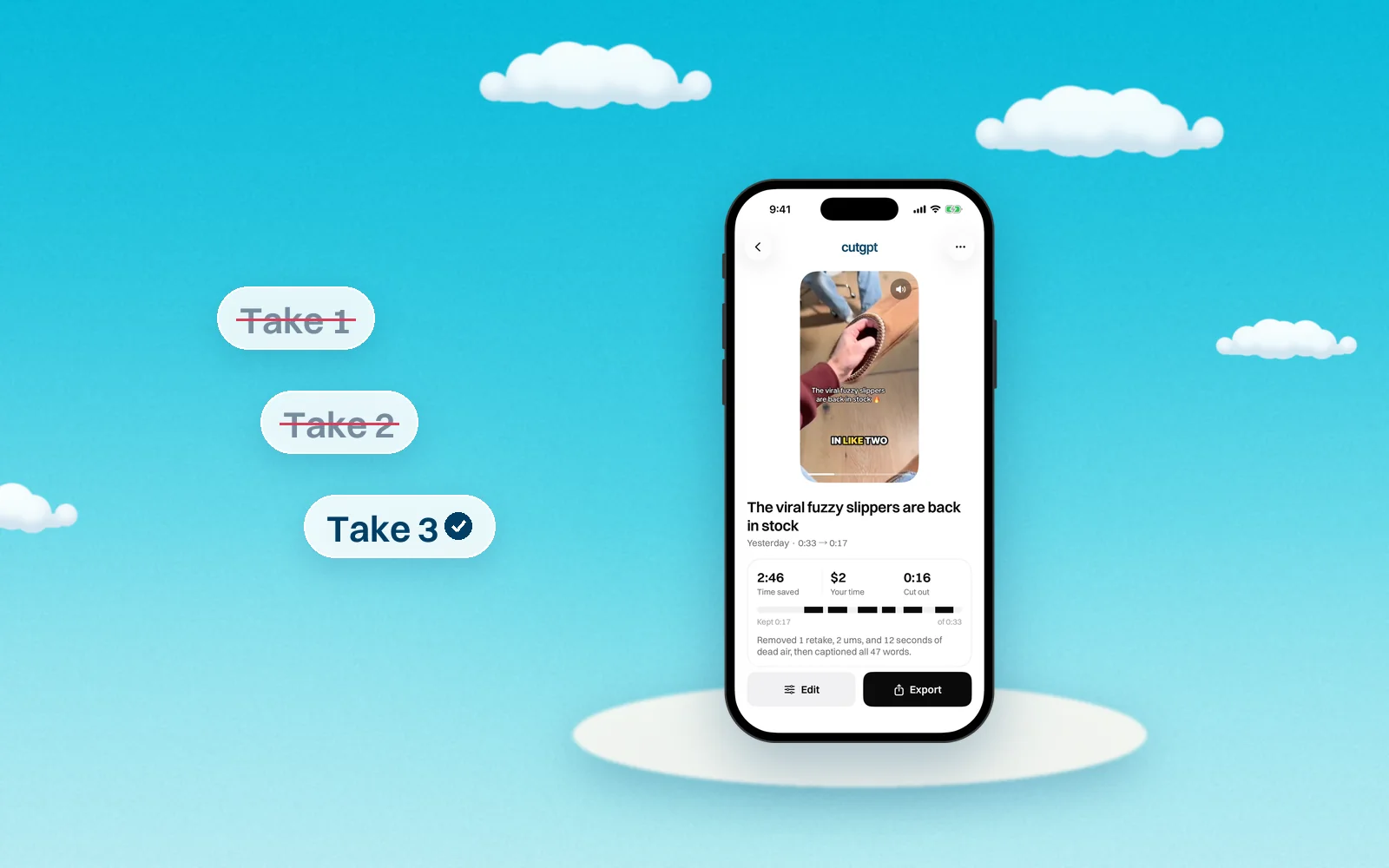
Don't stop the recording. Pause for a beat, then say the whole line again from the top. CutGPT treats a line you repeat within the next few phrases as a retake and keeps the last one.
You can also say “sorry” or “let me start over” before you try again. CutGPT removes the cue and the attempt just before it. There's more in how to cut retakes.
Light and sound basics
You don't need gear to look and sound clear. Start here:
- Face a window. Soft daylight in front of you is flattering. A bright window behind you turns your face dark.
- Skip harsh overhead light. It casts shadows under your eyes. Light from the front works better.
- Get close. The closer the phone's mic is to your mouth, the clearer you sound. About an arm's length away is a good start.
- Pick a quiet room. Curtains, rugs and couches soak up echo. Turn off fans, music and the TV.
- Prop the phone at eye level. Use a tripod or a stack of books, and film vertical.
- Look at the lens. Not at yourself on the screen. That's what reads as eye contact.
Then let CutGPT cut it
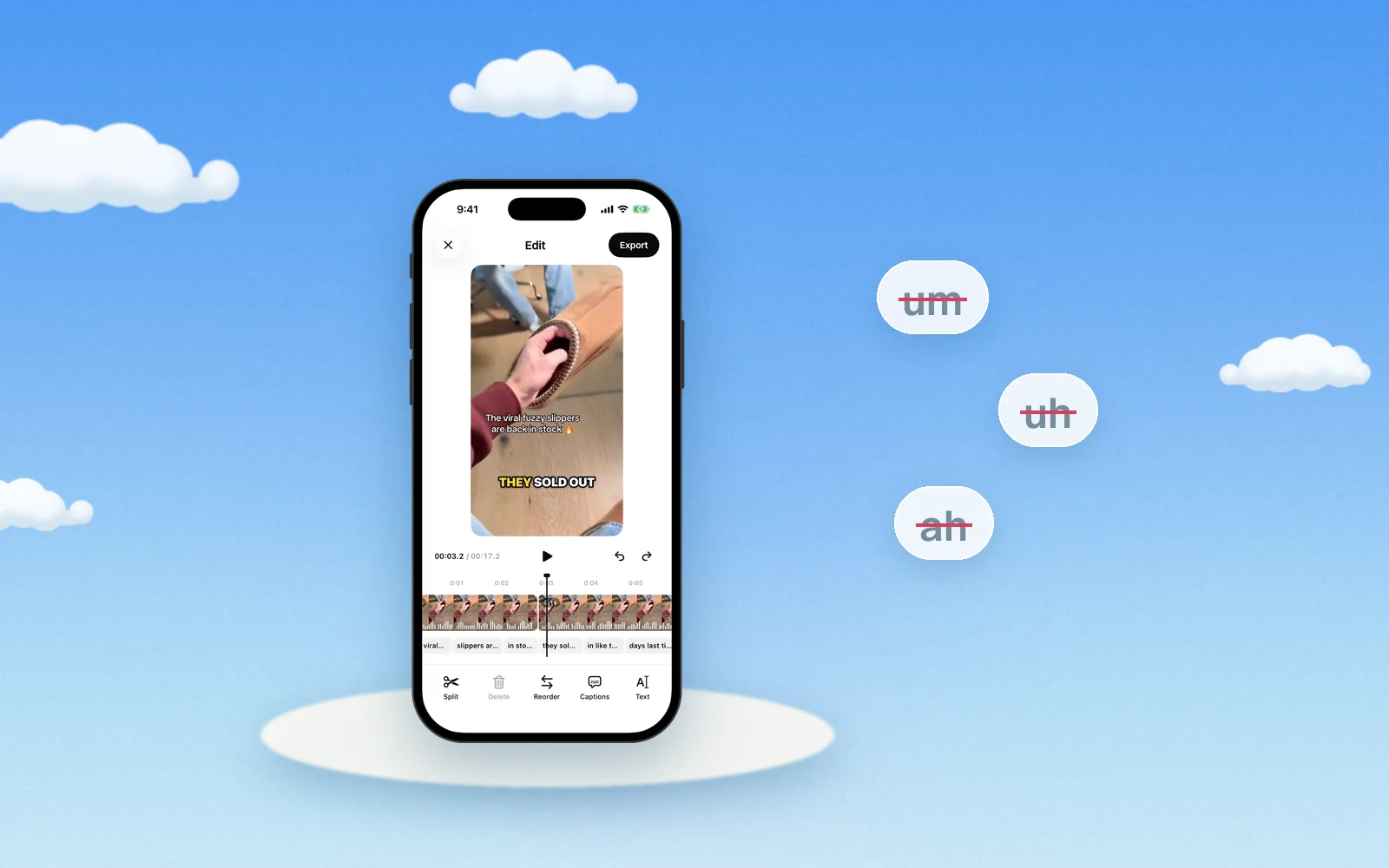
Add the take to the web app, record it there with your computer's camera, or record it in the iPhone app. CutGPT removes the retakes, restarts, ums and dead air, then adds captions. Check the cut, export it, and post.
Questions
Try it on your own video
Your first 3 edits are free, right in your browser. Nothing is uploaded.