How to cut retakes from a talking-head video
 CutGPTPublished · 3 min read
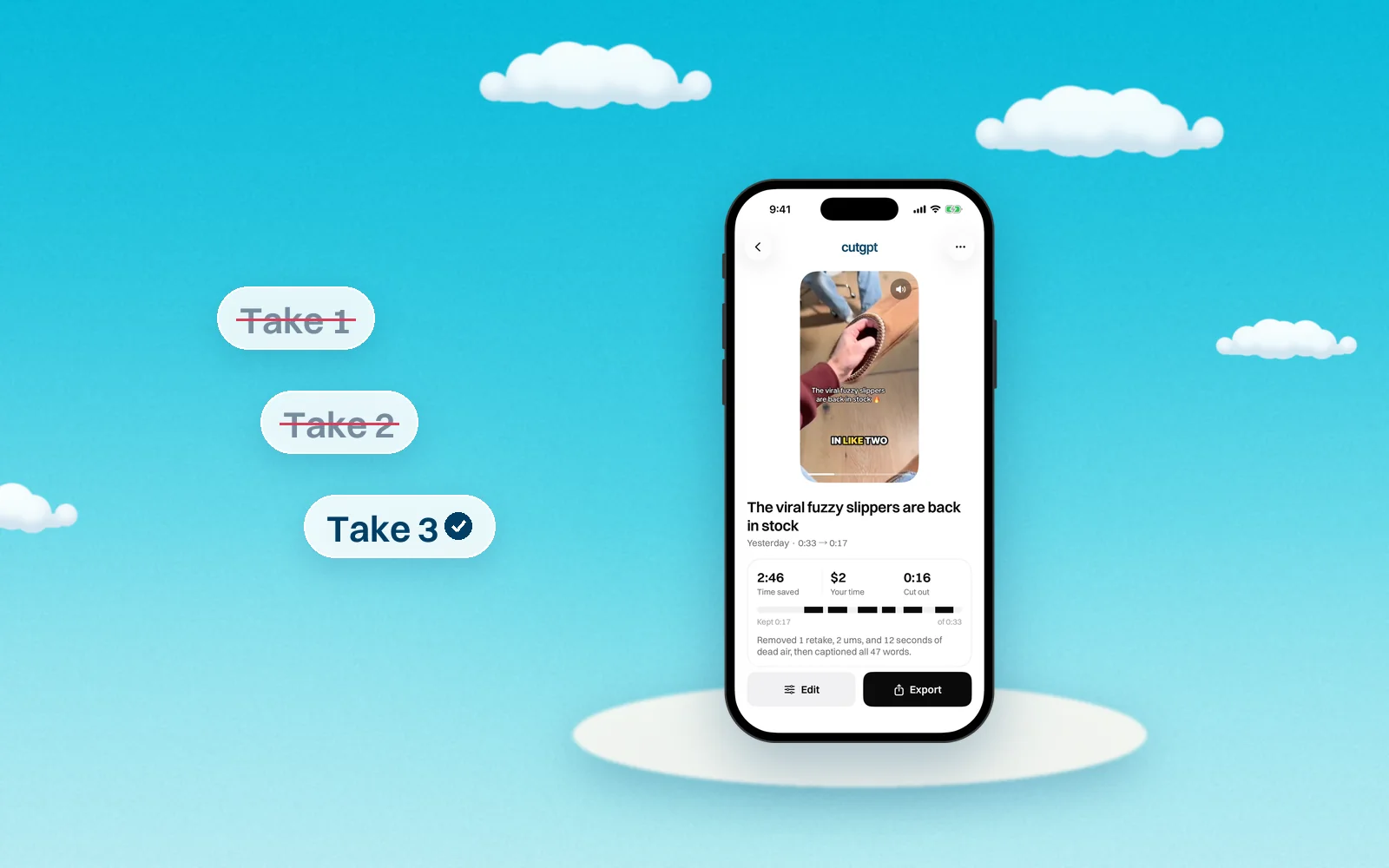
Say a line again and CutGPT keeps the last take. Here's what counts as a retake, how to film so retakes are easy to find, and how to fix a wrong call.
When you trip over a line, the natural move is to say it again and keep going. Finding every false start later is slow work. CutGPT finds them for you and keeps the take you finished.
What counts as a retake
A retake is a line you say again within the next few phrases. CutGPT reads the earlier attempt as an abandoned take. It removes that attempt and keeps the last one.
Two related mistakes are cut too:
- Restarts. A phrase that's just a cue, like “wait”, “sorry” or “let me try that again”, is removed, along with the attempt just before it.
- Slates. An “Okay.” or similar before your first real line is removed. So is a “cut”, “done” or “stop” after your last.
These are the restart cues CutGPT looks for: “wait”, “hold on”, “sorry”, “oops”, “ugh”, “scratch that”, “start over”, “let me start over”, “let me try that again”, “let me redo that”, “let me do that again”, “one more time”, “take two”, “no no”, “try again”, “redo” and “again”.
Why CutGPT keeps the last take
It matches how people re-record. You keep trying until a line comes out right, then you move on. So the last attempt is usually the one you meant to keep.
Film so retakes are easy to find
A few habits make your retakes easy for CutGPT to spot:
- Say the whole line again. Start from the top of the sentence, not from the word you tripped on. CutGPT looks for a line you say again, so give it the same line. If you only repeat the second half, it may not count as a retake.
- Pause first. Take a breath before you start over. CutGPT splits speech into phrases at pauses, so a clear pause marks where the old take ends and the new one begins.
- Redo it right away. CutGPT looks for a repeat within the next few phrases. Fix a line before you move on, not three lines later.
- Use a cue if it helps. Saying “sorry” or “let me start over” is fine. The cue comes out along with the attempt before it.
- Keep rolling. Don't stop the recording to start over. One long take, mistakes included, is what CutGPT is built for.
Fix a wrong call in the editor
Sometimes CutGPT gets one wrong. Maybe you liked an earlier take better, or two similar lines were both meant to stay. Here's how to fix it in the web app:
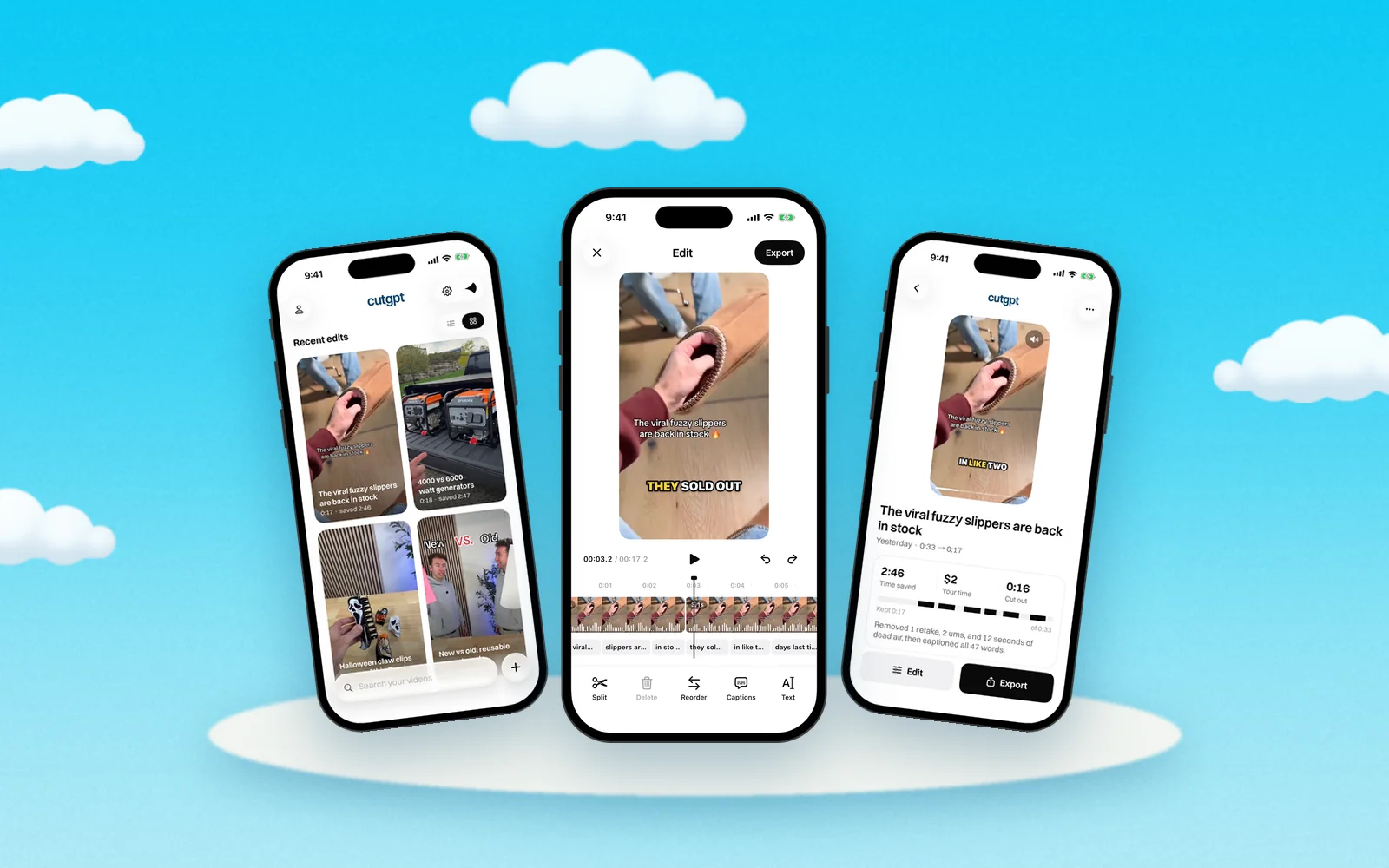
- On the result page, find the cut in the list. Each cut shows its reason, such as retake or restart. Click it to jump there and listen.
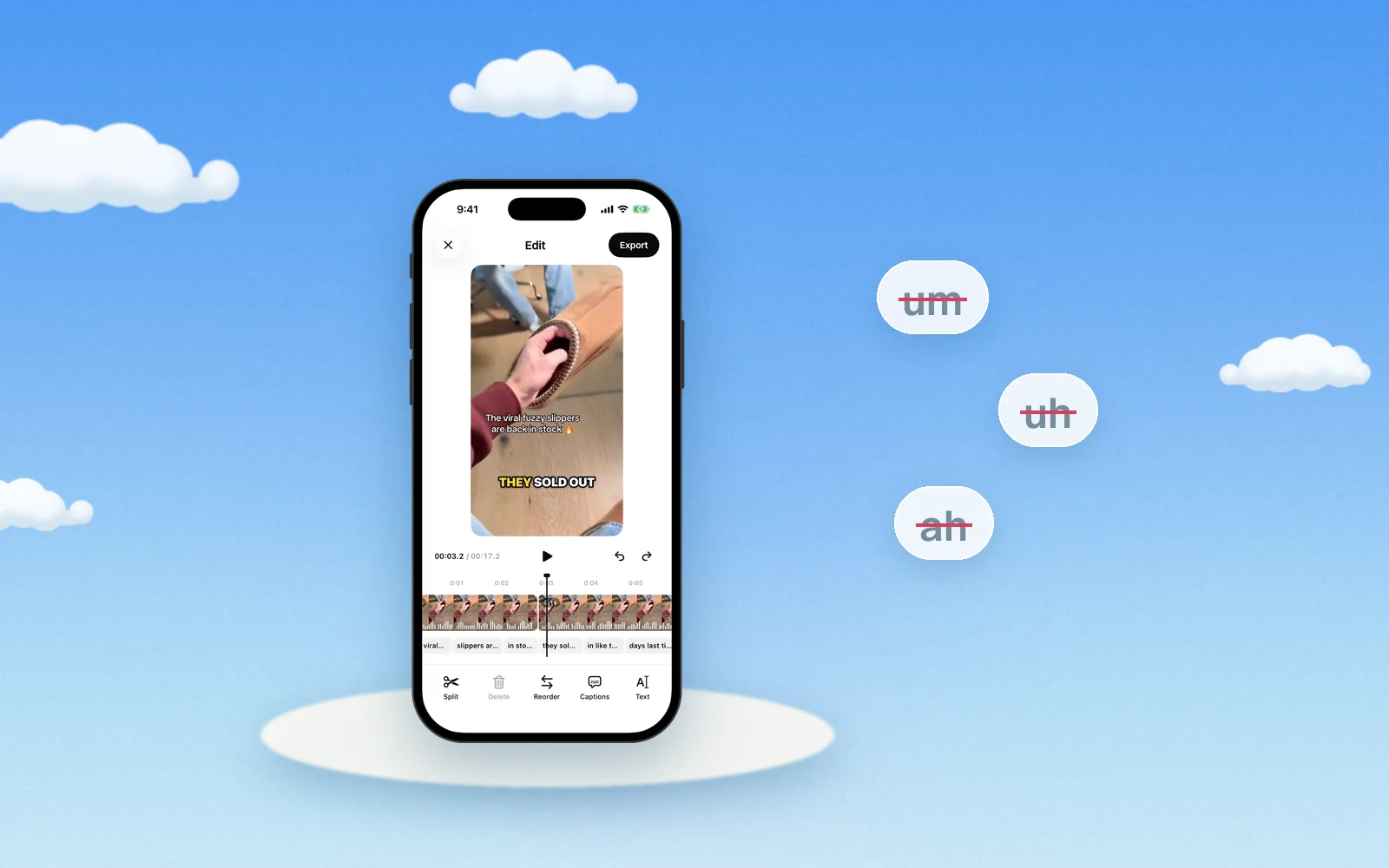
- Open the editor. You'll see the whole transcript, with cut words struck through.
- To swap takes, click the struck-through words of the take you want, and they come back. Then click the words of the other take to cut them.
- Shift-click a word just before the change to play from there and check the result.
- Changed your mind? Press ⌘Z or Ctrl+Z to undo. Reset to CutGPT's cut undoes all your hand edits at once.
Cuts you make show up in the list as “cut by you”, so you can always see what you changed.
Want fewer retakes in the first place? Read how to film a product video in one take. Or open the web app and try it on your next take.
Questions
Try it on your own video
Your first 3 edits are free, right in your browser. Nothing is uploaded.