Jump cuts: how tight should you cut?
 CutGPTPublished · 3 min read
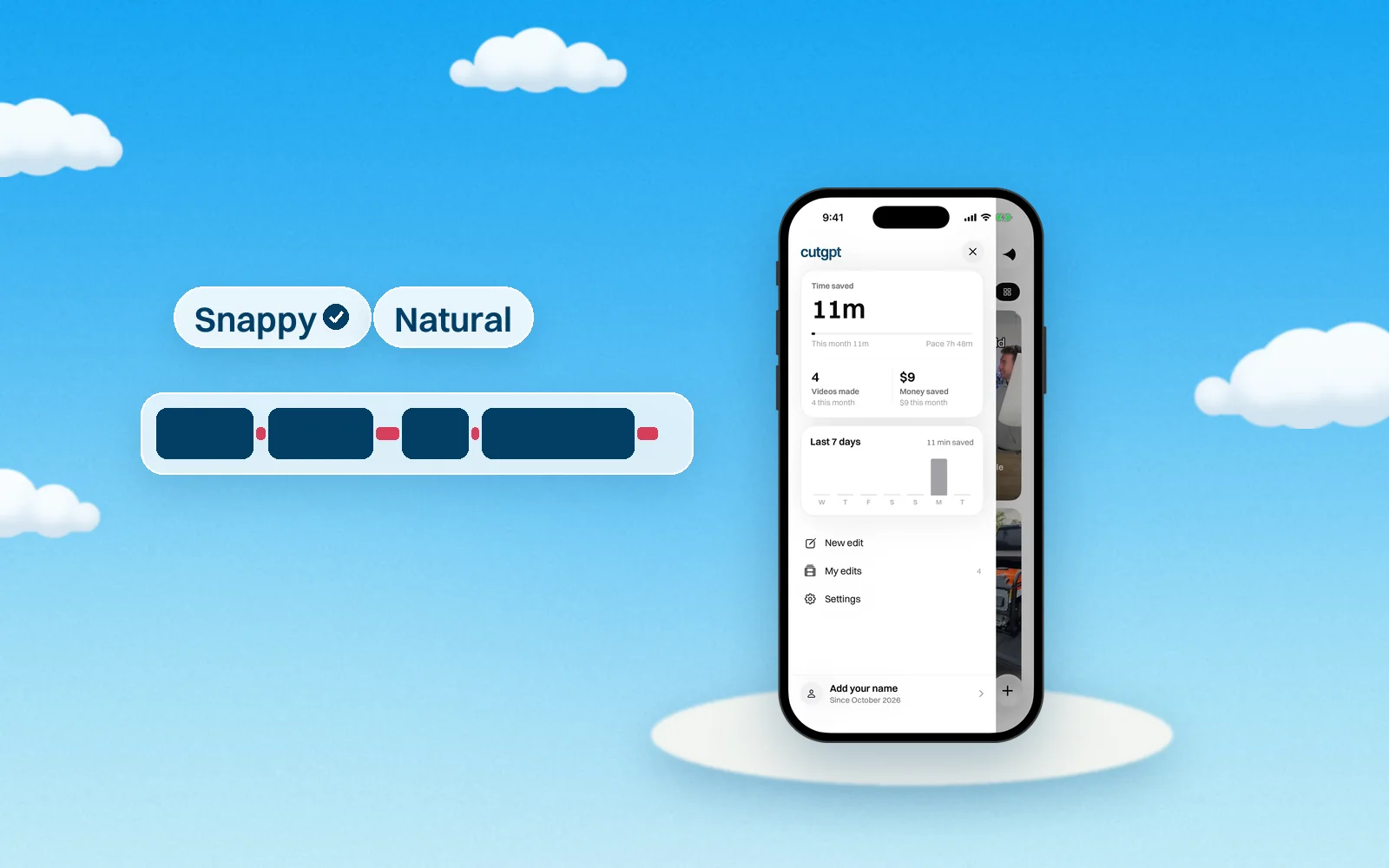
CutGPT has two cut paces, Snappy and Natural. Here's exactly what each one keeps, when each one fits, and why a little room before a word matters.
A jump cut removes a piece of one continuous shot, so the picture jumps forward in time. In a talking-head video, you get one every time a pause or a mistake comes out. How tight you cut changes how the video feels. Tight cuts feel quick. Looser cuts feel calm and conversational.
Snappy vs. Natural
You choose between the two in Settings → Editing → Cut pace.
| Cut pace | Snappy | Natural |
|---|---|---|
| In short | Tight jump cuts, made for short-form | Keeps short pauses so it breathes |
| Pauses kept as they are | Up to 0.3 s | Up to 0.45 s |
| Room kept before a word at a cut | 0.07 s | 0.1 s |
| Room kept after a word at a cut | 0.12 s | 0.16 s |
Here's what the numbers mean. A pause up to the limit stays in the video untouched. A longer pause gets cut. At each cut, CutGPT keeps a sliver of room before the next word and a little more after the last one.
The gaps are fractions of a second. But a short video can have a lot of cuts, so across a whole video the difference is easy to feel. Snappy is the default.
When to use Snappy
Snappy is made for short-form. Use it for:
- TikTok Shop and other short product videos, where every second counts.
- Fast, high-energy delivery.
- Lists and quick tips, where a brisk rhythm fits.
When to use Natural
Natural leaves short pauses in, so you sound more relaxed. Use it for:
- Longer explainers, tutorials and story-time videos.
- A calm, slower speaking style, where tight cuts can make you sound rushed.
- Moments where a pause adds weight, like a reveal or a before-and-after.
Why a little breath before a word matters
Cut exactly where a word starts and you can clip its first sound. A “p” or a “t” loses its snap, and the cut sounds abrupt. A tiny bit of room before the word keeps it whole. That's the 0.07 or 0.1 seconds in the table.
The room after a word is a little longer in both paces. Word endings trail off more softly than they start, so they need more space to finish.
This only works if CutGPT knows where each word really starts. Transcribers tend to give a word the silence before it, so CutGPT first tightens each word's timing to your voice. Then it keeps just the room in the table.
Changing the pace
Cut pace applies to new edits. To re-cut an edit you already made, open it in the editor and click Reset to CutGPT's cut. That also undoes your hand edits, so pick your pace before you fine-tune.
Not sure which you like? Cut a take with Snappy and watch it. Then switch to Natural, reset the cut, and watch it again.
For everything else CutGPT cuts, read how CutGPT edits a video.
Questions
Try it on your own video
Your first 3 edits are free, right in your browser. Nothing is uploaded.